
Fans for Conveyor and Warehouse Control Electronics
Conveyor and warehouse installations place controls in enclosures near machinery, packaging dust and busy service areas. Identify the electronics losses during peak throughput and idle operation. Fan selection should address the cabinet air path, local environment and maintenance access without interfering with the transport equipment.
Prepare a cooling requirement for each enclosure location
Distributed controllers can encounter different conditions along the same logistics line. An enclosed drive cabinet, a small control box and a larger electrical room need separate reviews. This page focuses on fan airflow around those electronics; conveyor propulsion, load handling and safety functions remain within the equipment design.
Review the logistics operating schedule
Describe peak-throughput periods, idle states and any repeated acceleration duty that changes electronics losses. Identify the local ambient temperature near motors or other equipment. Use the cabinet’s actual thermal load and component limits when defining the cooling task, rather than the throughput or drive rating alone.
- Peak-throughput and idle heat losses
- Local ambient near installed equipment
- Component limits and concentrated heat sources
Account for dust and mounting location
Show where the enclosure sits relative to conveyors, packaging areas and cleaning activity. Include filter and grille resistance and identify whether dust can collect at the intake. Confirm mounting orientation, cable retention and a replacement route that remains accessible after the surrounding machinery is installed.
- Dust exposure and filter service condition
- Enclosure orientation and cable retention
- Access without obstructing the transport line
Coordinate monitoring with maintenance
Agree which controller receives the fan’s rotation or alarm signal and how a cooling fault is presented to operators. Define the inspection and replacement procedure with the equipment team. Check the selected fan in the real enclosure during representative operation, keeping measurement conditions and component versions in the record.
- Rotation or alarm feedback destination
- Inspection and replacement arrangements
- Representative installed-cabinet temperature checks
Match the fan family to the equipment.
Compare the proposed model at the required airflow and pressure, then check the installation and control interface.
Compact DC axial fans
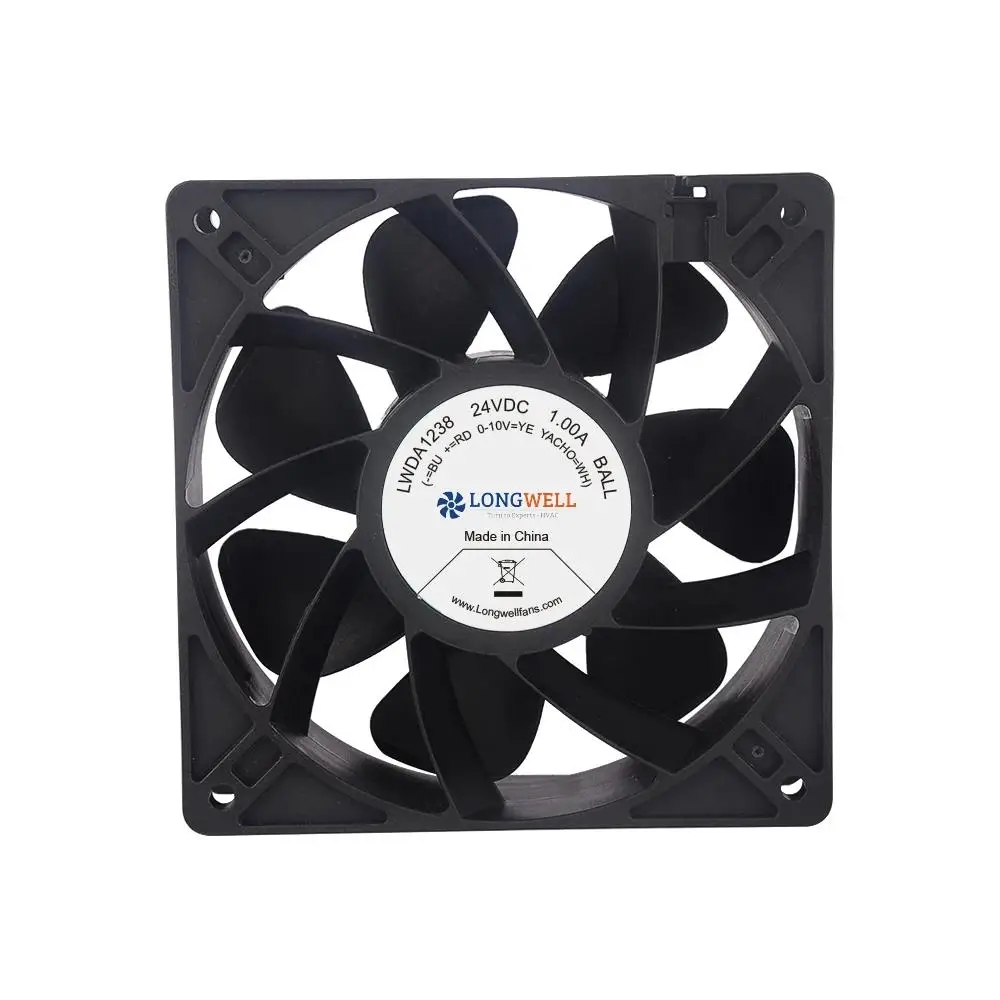
Review compact DC axial formats for distributed controllers and smaller electrical boxes. Confirm the enclosure resistance, connection retention and supply requirements for the intended installation.
Explore this fan family →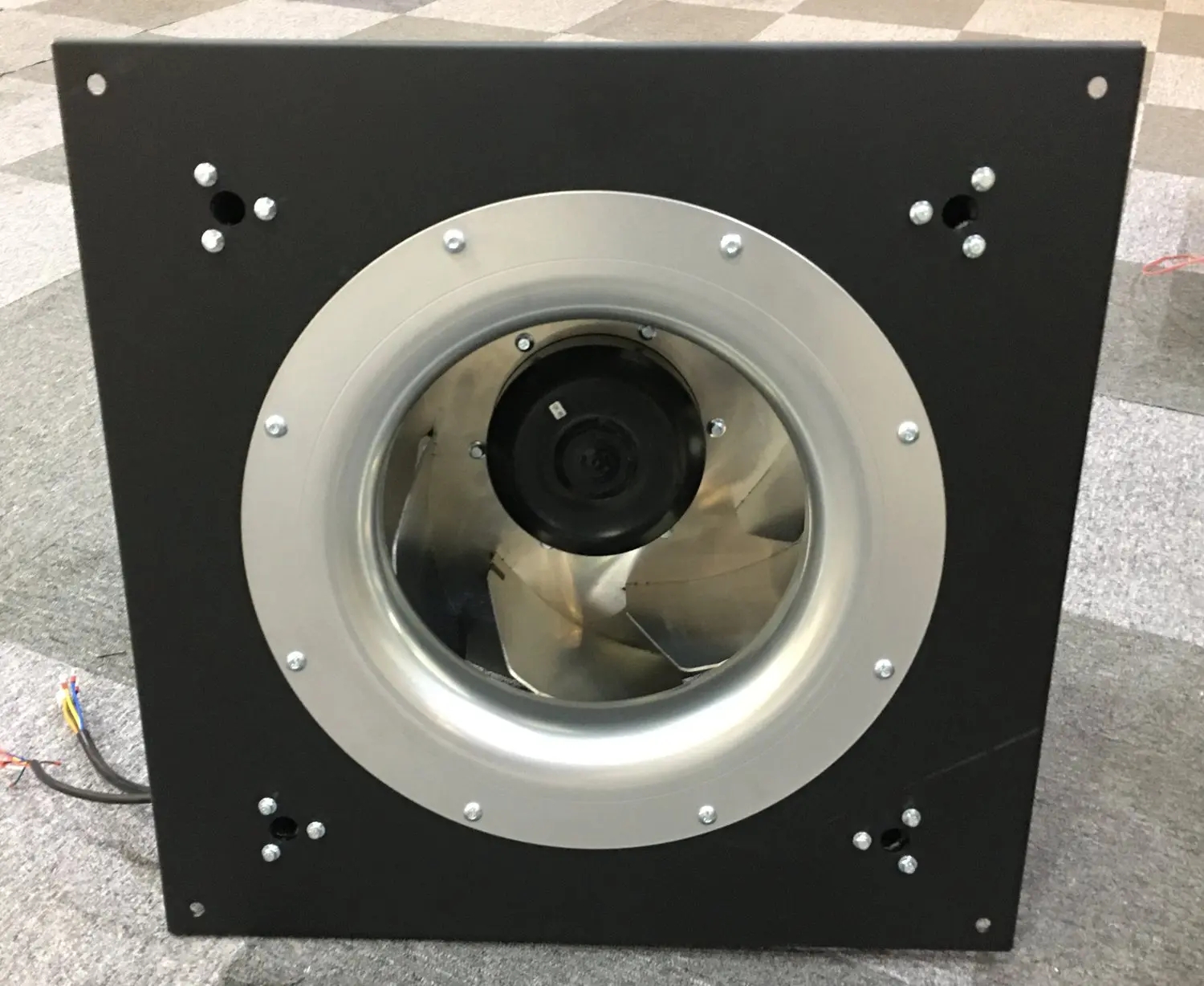
Panel-mounted centrifugal options
Review centrifugal arrangements for larger logistics control cabinets with restrictive filters or partitions. Match inlet clearance and panel geometry to the required installed operating point.
Explore this fan family →Product images show family configurations. Request the drawing, curve and electrical information for the exact model being considered.
What should your fan enquiry include?
Share these application details so the fan proposal can be reviewed against your equipment.
Bring the equipment context to the fan review.
A drawing, the operating condition and a clear control requirement make the proposed configuration easier to compare. For a replacement, include the existing nameplate and wiring details.
Discuss your application →Reference material for the next step.
Explore compact fan frames and request the connection drawing and operating data for the controller position under review.
Engineering checklistFan replacement and controls checklist ↗Prepare mechanical, electrical and feedback information before replacing a fan in installed warehouse or conveyor-control equipment.
Catalogs support initial selection. Confirm the current specification and approved configuration with the project team.
Should every controller on a conveyor line use one fan?
A common fan can simplify service only if it meets each enclosure’s duty, supply and installation requirements. Compare the local heat load, resistance and exposure at each position. Confirm suitability across those conditions before treating a shared part number as an approved common component.
Can the fan be selected without the final cabinet layout?
A preliminary review can begin with estimated losses and dimensions, but the installed result depends on cable routes, partitions, filters and clearances. Update the fan assessment when the cabinet layout is defined, then check temperatures and control behavior during a representative equipment trial.
Continue with the equipment you are designing.
Share your equipment and operating conditions.
Send the drawing, target duty and project timing. Add the existing fan details when you need a replacement.