
Fans for Door and Barrier Controller Enclosures
Door and barrier controllers may need forced cooling when electronics losses and enclosure conditions require it. Review repeated operation and standby separately, including local ambient temperature and exposure. This page concerns the cooling fan and its interface, not the actuator or access system’s safety functions.
Fit cooling into the access-control enclosure
Access equipment can place compact controls close to motors, power supplies and exterior openings. Start with the enclosure heat load and airflow route, then review the effects of filters, louvres and protective covers. Keep fan supply and monitoring requirements distinct from door-motion and safety-circuit requirements.
Define heat during cycling and standby
Provide electronics and power-supply losses during repeated operation, peak activity and standby. Include the local ambient conditions and any enclosure heating from nearby equipment or exposure. Identify temperature-sensitive components so the fan task addresses the relevant thermal limits instead of the actuator’s rated output alone.
- Repeated-cycle and standby electronics losses
- Local ambient and enclosure exposure
- Component temperature limits and hot spots
Review enclosure protection and airflow
Show the inlet and outlet paths, including louvres, filters and any protective cover. Assess whether the proposed ventilation opening is compatible with the enclosure requirements after installation. Confirm drainage, dust exposure and service access for the complete arrangement, with mounting and cable routing included in the review.
- Intake/exhaust restrictions and enclosure drawing
- Dust, water and drainage conditions
- Fan mounting and replacement access
Integrate feedback without changing safety functions
Specify the fan’s supply, speed control and rotation or alarm output. Agree how cooling status reaches the equipment controller and how maintenance is notified. The equipment designer should define any interaction with operation; fan replacement must preserve the documented separation from motion-control and safety functions.
- Fan electrical supply and signal definition
- Cooling-status and maintenance notification
- Separation from motion and safety interfaces
Match the fan family to the equipment.
Compare the proposed model at the required airflow and pressure, then check the installation and control interface.
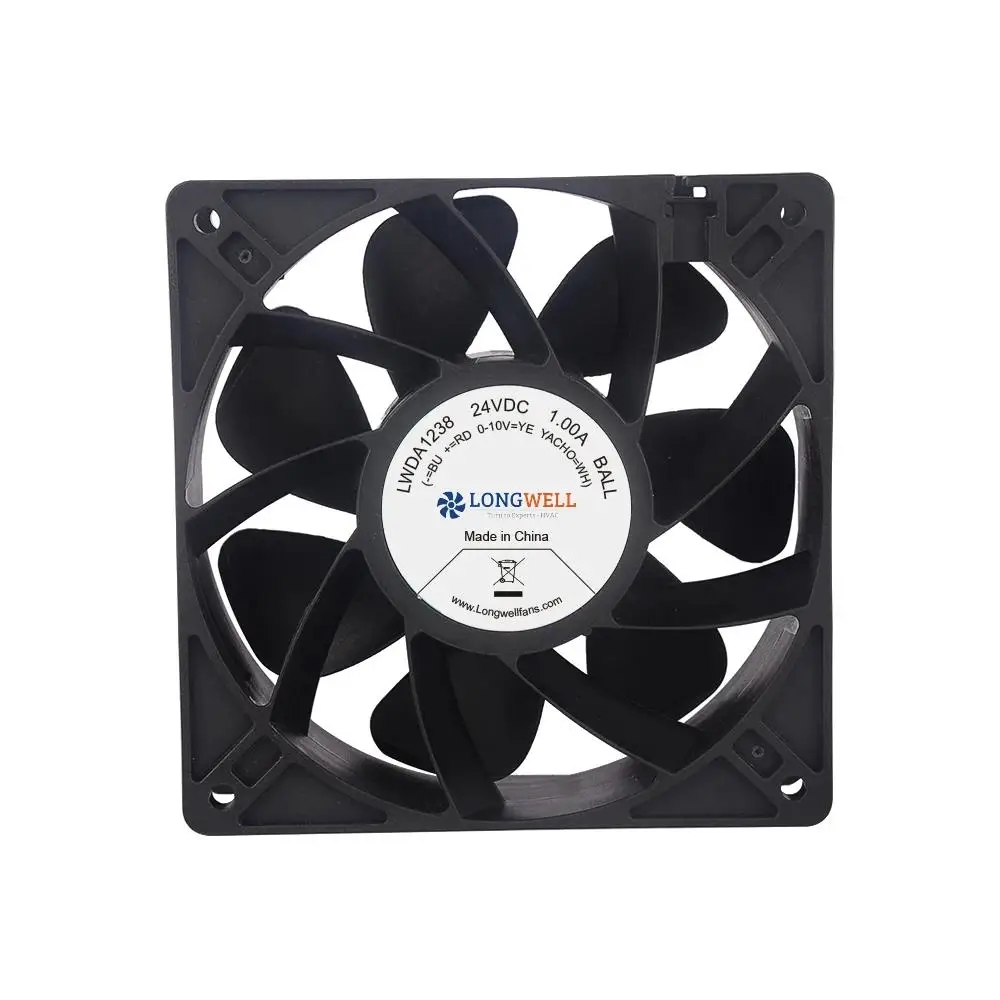
Compact DC axial fans
Review compact DC axial formats for controller boxes where the operating point and space fit. Confirm wiring, signal behavior and enclosure compatibility for the selected version.
Explore this fan family →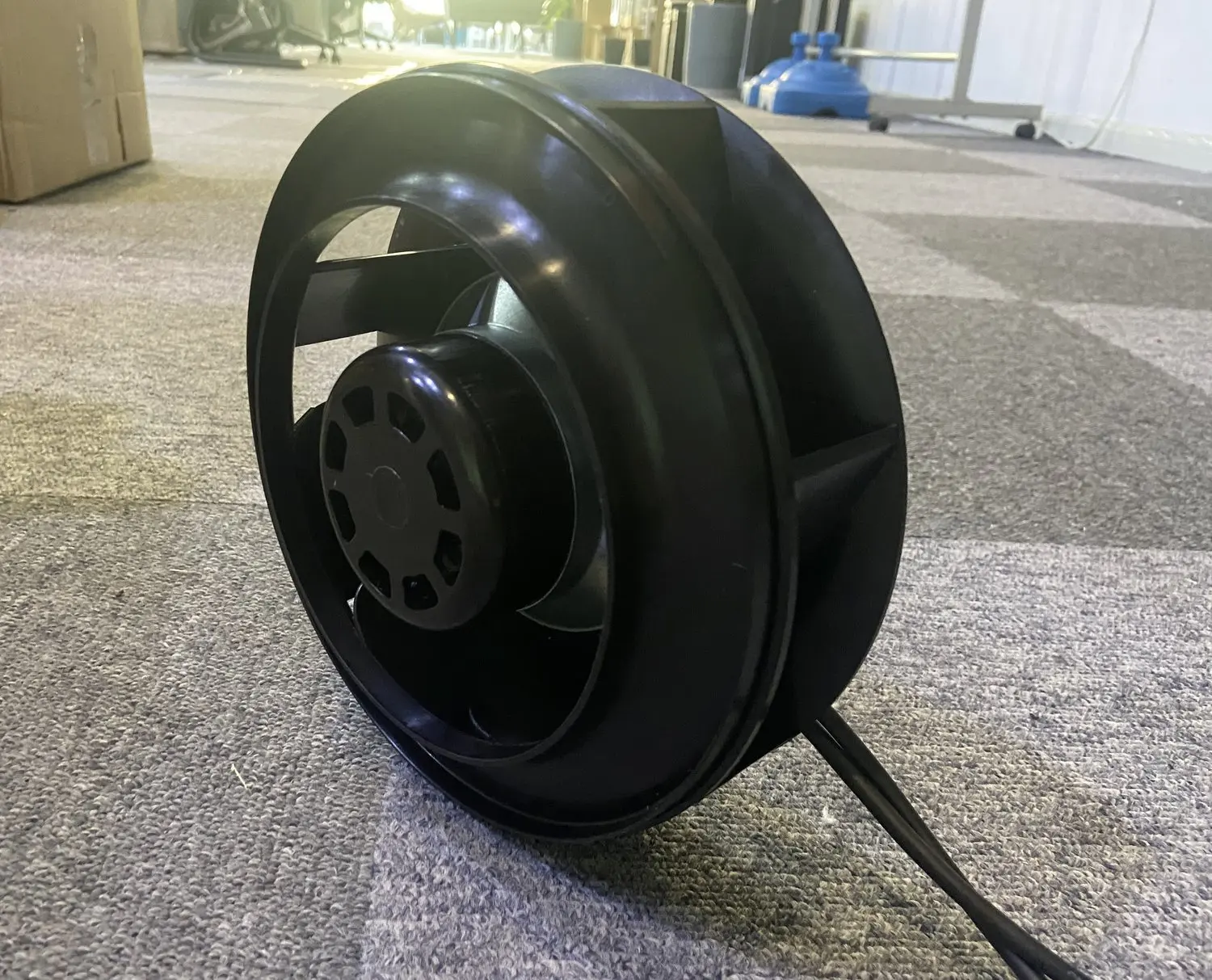
Backward-curved centrifugal fans
Review small centrifugal formats when the controller enclosure has restrictive filters or channels. Match inlet geometry, mounting depth and the required airflow under installed resistance.
Explore this fan family →Product images show family configurations. Request the drawing, curve and electrical information for the exact model being considered.
What should your fan enquiry include?
Share these application details so the fan proposal can be reviewed against your equipment.
Bring the equipment context to the fan review.
A drawing, the operating condition and a clear control requirement make the proposed configuration easier to compare. For a replacement, include the existing nameplate and wiring details.
Discuss your application →Reference material for the next step.
Compare compact fan formats and request the electrical, control and installation details needed by the access-equipment controller designer.
Engineering checklistFan replacement and controls checklist ↗Record the original fan connections and mechanical arrangement before planning a replacement within an installed controller enclosure.
Catalogs support initial selection. Confirm the current specification and approved configuration with the project team.
Does selecting a fan establish a safe door or barrier system?
No. The fan assessment concerns auxiliary heat removal and its electrical interface. Door movement, obstacle detection, emergency behavior and other safety functions require the equipment designer’s own evaluation. Document any cooling-status interaction without treating a fan specification as approval of the access system.
Can an enclosure remain sealed after adding ventilation?
That depends on the complete installation, including openings, filters, covers, drainage and mounting. Review the enclosure’s required protection with the equipment designer before adding a fan. A component rating does not automatically establish the protection of the modified controller box.
Continue with the equipment you are designing.
Share your equipment and operating conditions.
Send the drawing, target duty and project timing. Add the existing fan details when you need a replacement.