
Fans for Data-Center Equipment and Air-Side Cooling
Data-center fans perform different jobs inside electronics, across room-cooling equipment and at outdoor heat-rejection systems. Identify the fan’s place in the cooling architecture before selecting a product. Each position needs its own airflow, pressure, electrical, control and service requirements, including the relevant degraded operating conditions.

Select by cooling function, not the data-center label
This page connects the main air-moving duties with candidate product families. Server or cabinet fans, CRAH/CRAC air-side fans and outdoor coil fans are not interchangeable tasks. Review the complete equipment interface and required verification with the cooling-system designer, whether the wider installation uses air, liquid or hybrid cooling.
Move air through electronics enclosures
Identify the boards, heat sinks and power supplies served by the fan. Provide heat losses, allowable temperatures and the resistance of the internal path. Confirm the supply, connectors and speed or alarm signals, then assess the fan with the actual equipment enclosure rather than treating a room-airflow target as its duty.
- Equipment heat losses and component limits
- Heat-sink and enclosure airflow resistance
- Supply, connectors and monitoring interface
Move conditioned air through room-cooling units
For CRAH, CRAC or other air-handling equipment, define airflow through coils, filters and distribution paths. Review the installed inlet conditions and operating range. Where multiple fans are used, specify the required performance with a module unavailable and verify the control response rather than assuming inherent redundancy.
- Coil/filter resistance and airflow range
- Inlet geometry and service clearances
- Module-unavailable duty and control response
Review outdoor heat-rejection airflow
Dry coolers and other outdoor heat exchangers need fan duties based on their coils and environmental conditions. Provide the arrangement, sound limits, ambient range and service requirements. Confirm the proposed fan’s electrical and control configuration, and keep air-moving performance separate from the capacity or efficiency of the entire cooling system.
- Outdoor coil and installation arrangement
- Ambient exposure and sound measurement limits
- Control modes and maintenance requirements
Match the fan family to the equipment.
Compare the proposed model at the required airflow and pressure, then check the installation and control interface.
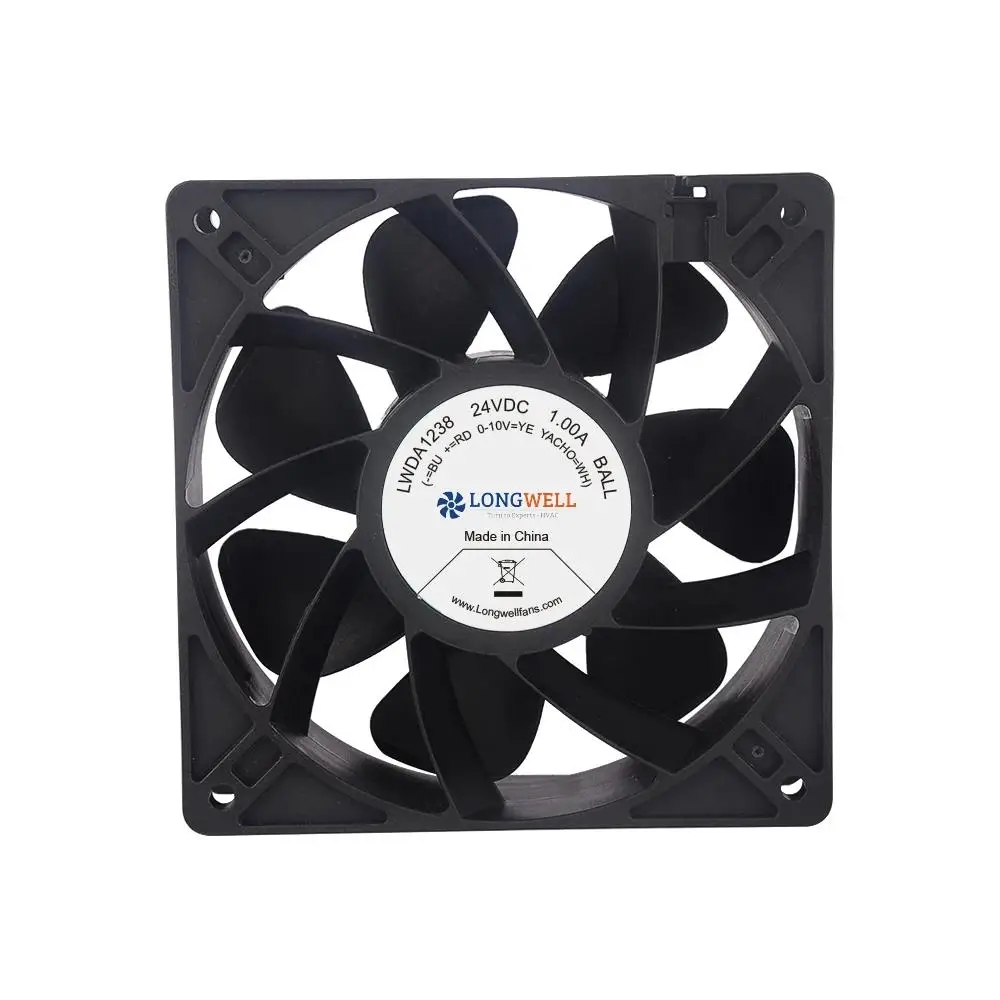
Compact DC axial fans
Review compact DC formats for defined electronics positions. Confirm the heat-sink resistance, connector and monitoring interface within the equipment manufacturer’s thermal evaluation.
Explore this fan family →RLM centrifugal assemblies
Review centrifugal assemblies for room-cooling air paths where their duty and installation fit. Confirm the complete motor, frame and controller configuration before integration.
Explore this fan family →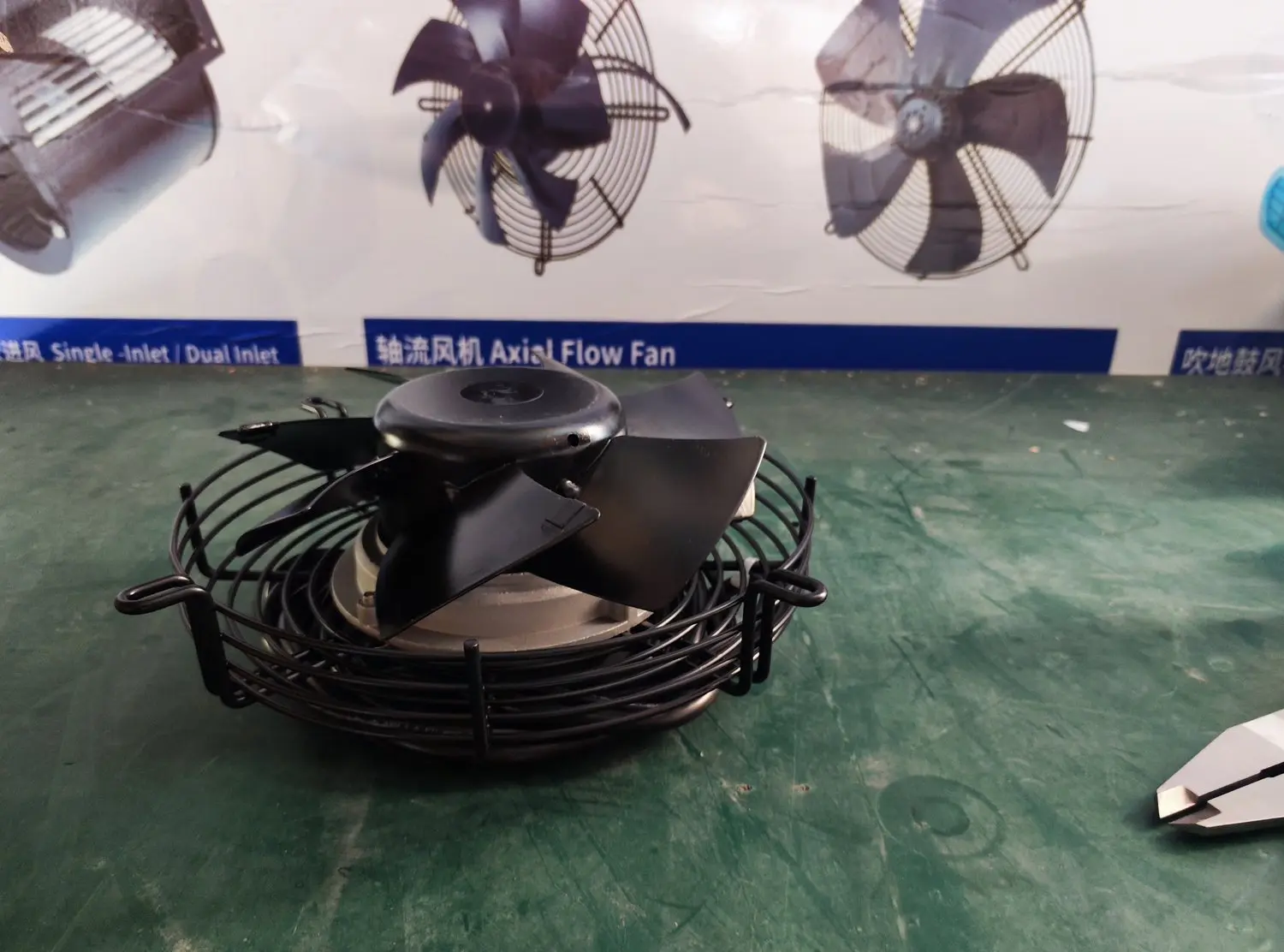
Axial fan components
Review axial components for outdoor coil-air duties. Match the coil operating point, environmental exposure and acoustic requirements to the exact proposed configuration.
Explore this fan family →Product images show family configurations. Request the drawing, curve and electrical information for the exact model being considered.
What should your fan enquiry include?
Share these application details so the fan proposal can be reviewed against your equipment.
Bring the equipment context to the fan review.
A drawing, the operating condition and a clear control requirement make the proposed configuration easier to compare. For a replacement, include the existing nameplate and wiring details.
Discuss your application →Reference material for the next step.
Compare compact electronics-cooling formats and request the selected fan’s connection, control and operating data for the enclosure.
Series catalog · PDFRLM series fan catalog ↗Review centrifugal assembly formats and request the complete model drawing and operating data for the room-cooling air path.
Series catalog · PDFEC axial fan catalog ↗Explore axial configurations for outdoor equipment positions, with environmental and acoustic requirements confirmed for the proposed installation.
Catalogs support initial selection. Confirm the current specification and approved configuration with the project team.
Does liquid cooling remove every fan requirement?
The answer depends on the cooling architecture. Electronics, auxiliary equipment, room-air systems and outdoor heat rejection may still have air-moving duties. Identify each fan position with the system designer and prepare a separate requirement instead of inferring fan demand from the cooling-system label.
Can a fan proposal establish PUE or facility availability?
No. Those are system-level outcomes involving equipment, controls, loads and operating conditions beyond the fan. A fan proposal can provide configuration-specific airflow, power and interface data. Facility-level performance or availability claims require the corresponding system design and measured or otherwise supported verification.
Continue with the equipment you are designing.
Share your equipment and operating conditions.
Send the drawing, target duty and project timing. Add the existing fan details when you need a replacement.